“Learn how to create a mobile app using AI without coding. Discover the best no-code tools, step-by-step process, and tips for launching your app.” Introduction
Creating a mobile app used to require programming skills, a development team, and a significant budget. Today, artificial intelligence (AI) and no-code platforms have changed everything. Entrepreneurs, small business owners, freelancers, and beginners can now build mobile apps without writing a single line of code.
If you’ve ever wanted to launch your own app but felt intimidated by coding, AI-powered app builders make the process easier than ever. In this guide, you’ll learn how to create a mobile app using AI without coding, the tools you need, and the steps to turn your idea into a working application.
What Is an AI-Powered No-Code App Builder?
An AI-powered no-code app builder is a platform that allows users to create mobile applications through visual interfaces, drag-and-drop components, and AI assistance.
Instead of manually writing code, users describe what they want the app to do. The AI helps generate layouts, workflows, features, and sometimes even app content automatically.
Benefits include:
- No programming knowledge required
- Faster app development
- Lower startup costs
- Easy customization
- Faster testing and deployment
Why Build a Mobile App Without Coding?
Many people assume app development is expensive and complicated. However, no-code AI platforms make app creation accessible to everyone.
Save Time
Traditional app development can take months. AI-powered builders can significantly reduce development time.
Reduce Costs
Hiring developers can be expensive. No-code tools help entrepreneurs launch apps with a smaller budget.
Easy for Beginners
You don’t need a computer science degree or technical background.
Faster Business Growth
Businesses can launch apps quickly and respond to customer needs faster.
Step 1: Choose Your App Idea
Before using any AI tool, determine the purpose of your app.
Popular app ideas include:
- Fitness apps
- Restaurant ordering apps
- Appointment booking apps
- Educational apps
- AI chatbot apps
- Business productivity tools
- E-commerce apps
Ask yourself:
- What problem does the app solve?
- Who is the target audience?
- What features are necessary?
A clear goal will make the development process much easier.
Step 2: Select an AI No-Code Platform
The next step is choosing an AI-powered platform.
Look for features such as:
- Drag-and-drop editor
- AI app generation
- Mobile responsiveness
- Database integration
- Push notifications
- App publishing support
The best platform depends on your goals, budget, and desired features.
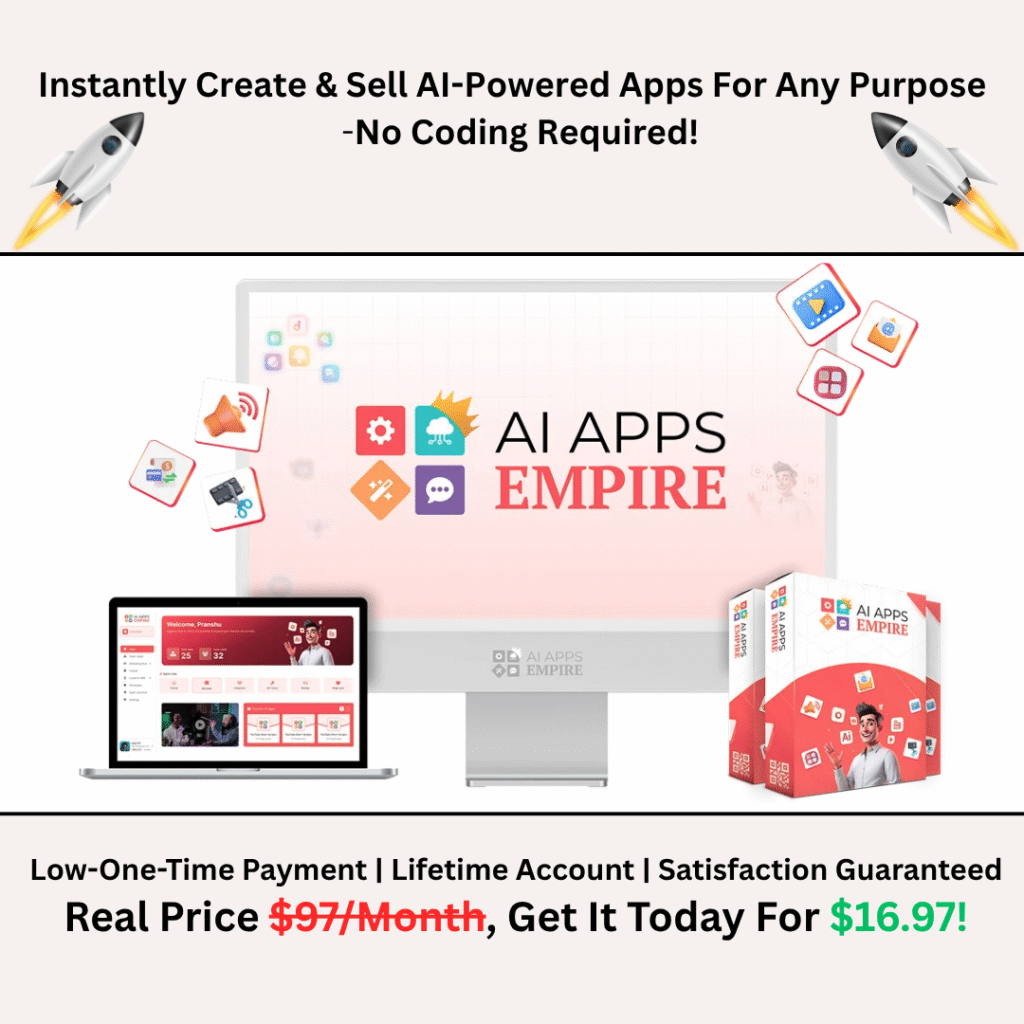
“If you want to build and launch your own AI apps business instantly with a special discount, Click Here to Access the AI Apps Empire System.”
Step 3: Define Your App Features
List the features your app needs.
Examples:
User Registration
Allow users to create accounts and log in.
Notifications
Send updates and reminders.
Payments
Accept payments securely within the app.
Chat Support
Provide customer support through messaging.
AI Assistant
Offer automated assistance using artificial intelligence.
Focus on the essential features first. You can always add more later.
Step 4: Let AI Generate the App Structure
Most modern AI app builders allow users to describe their app idea in plain English.
For example:
“Create a fitness coaching app with user registration, workout tracking, meal planning, and push notifications.”
The AI may automatically generate:
- App screens
- Navigation menus
- User flows
- Content sections
- Basic design layouts
This dramatically speeds up the development process.
Step 5: Customize the Design
Your app should reflect your brand.
Customize:
- Logo
- Colors
- Typography
- Icons
- Images
- Layouts
A professional design improves user trust and engagement.
Keep the interface clean and easy to navigate.
Step 6: Add AI Features
One of the biggest advantages of modern app builders is AI integration.
Examples include:
AI Chatbots
Provide instant customer support.
Personalized Recommendations
Suggest products or content based on user behavior.
Automated Content Generation
Generate descriptions, articles, or summaries.
Predictive Analytics
Analyze user data and identify trends.
Adding AI features can significantly improve the user experience.
Step 7: Test Your Mobile App
Before launching, thoroughly test the application.
Check:
- Navigation
- Buttons
- Forms
- Loading speed
- Mobile responsiveness
- User registration process
- Payment functionality
Testing helps identify and fix issues before users encounter them.
Step 8: Publish Your App
Once testing is complete, publish the app.
Most no-code platforms provide tools to help you launch on:
- Apple App Store
- Google Play Store
Make sure your app includes:
- Privacy Policy
- Terms of Service
- App descriptions
- Screenshots
- Contact information
A professional listing can improve downloads and credibility.
Step 9: Market Your App
Building the app is only the beginning.
Promote your app through:
SEO
Create blog content related to your app.
Social Media
Share updates and tutorials.
YouTube
Publish demonstrations and walkthroughs.
Create visual content and app-related infographics.
Email Marketing
Build relationships with users and encourage engagement.
Consistent marketing helps attract new users and grow your business.
Common Mistakes to Avoid
Many beginners make these mistakes:
- Trying to build too many features initially
- Ignoring user feedback
- Choosing a complicated design
- Skipping testing
- Failing to market the app
Start simple and improve over time.
“If you want to build and launch your own AI apps business instantly with a special discount, Click Here to Access the AI Apps Empire System.”
Final Thoughts
Learning how to create a mobile app using AI without coding is easier than ever. Thanks to AI-powered no-code platforms, entrepreneurs and beginners can transform ideas into fully functional mobile applications without technical expertise.
By choosing the right app idea, leveraging AI tools, focusing on essential features, and consistently improving your product, you can launch a professional mobile app and potentially build a successful digital business.
The future of app development is becoming more accessible every day, and AI is leading the way.